

Turn fragmented multi‑PSP payments into one streamlined flow
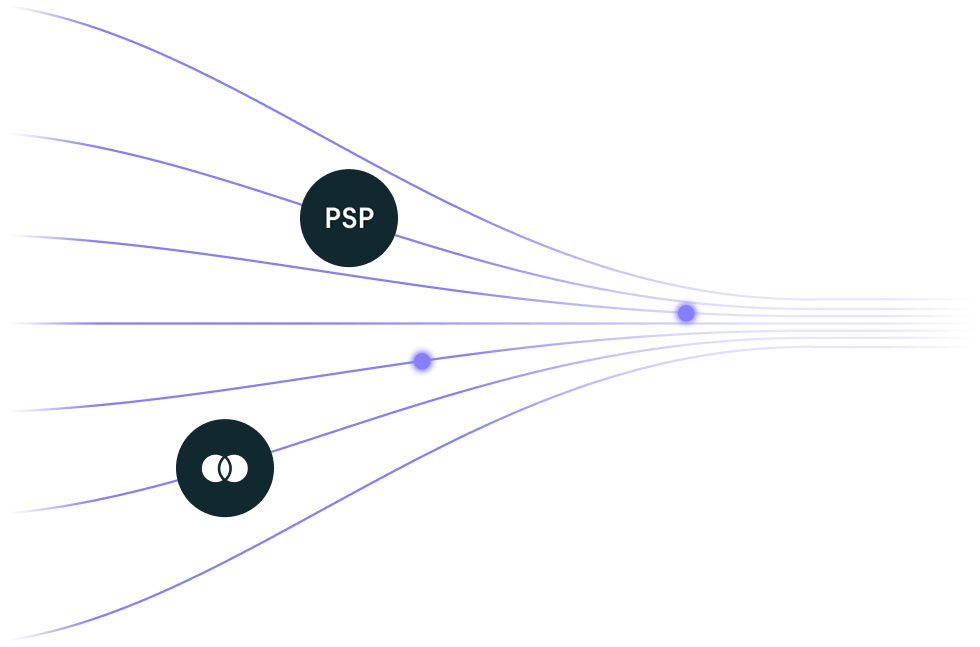
Keep control of how money moves regardless of who processes your pay‑ins. No vendor lock-in, just flexible flows.
Powering unique experiences for top-tier platforms
Untangle complex, multi‑party payment flows with Echo
Put an end to unidentified funds, broken reconciliation flows and payout errors.
More flexibility, less disruption
Manage all existing PSPs through unified tracking, and onboard new payment providers without disruption
Full visibility into payment flows
No more fragmented reporting and data, get full visibility into flows across providers
Automatically reconcile settlements
Match settlements from any PSP to the right seller, no more manual reconciliation
One layer for payments processed across multiple PSPs
From fragmentation
- Disconnected acquirer settlement data
- Unique reconciliation processes for each provider
- Unclear ownership of user fund allocation
- Fragmented payout management
To automation
- Every pay-in tracked in one place
- Settlements matched to Mangopay records
- Funds allocated to the corresponding wallets
- Splits and payouts released after reconciliation
More visibility into payment flows with wallets
The wallet ecosystem creates additional visibility by linking external PSPs to payment flows
Save on cost and generate revenue with user wallets
Generate new revenue streams while enhancing user experiences.
Collect funds locally in multiple markets and currencies, without opening additional local bank accounts
Achieve precise financial workflows with the power of automated reconciliation.
Ensuring every transaction is tracked, matched, and settled accurately.
Harmonize KYC process regardless of how many providers are in play, making user onboarding easier.
How Echo works
Choose the right setup for you
Accept pay-ins with Mangopay, alongside your payment providers, then manage the rest of the payment flow in Mangopay’s infrastructure
Use only your payment providers for pay-ins, then manage the rest of the payment flow in Mangopay’s infrastructure
Know where every payment stands before funds are released
Platforms keep their PSPs for payment acceptance, while Echo provides the framework to declare intent behind each payment, reconcile settlements and oversee wallet allocation, splits and payouts through Mangopay.
Collect payment information
Send the payment details to Mangopay as soon as the transaction takes place so it can be tracked from the start
Receive funds
Mangopay receives the funds acquired externally, then stores and reconciles in a Mangopay wallet.
Split and payout
Once the funds are confirmed, Mangopay allocates them to the user wallet and initiates payouts according to your flow.

Millions of wallets powering unique payment experiences
207M207M
wallets
created
€68B€68B
transactions
processed
9%9%
of payments
re-spent
34%34%
less hours spent on operations
Pre-built for speed, API for control
Integrate faster with built-in components or use our API to white-label our solutions.
Ready to start?
Select and connect the products you need to succeed.
Frequently asked questions
What is Echo?
Mangopay Echo connects payments accepted by external PSPs to Mangopay’s wallet and payout infrastructure. The PSP declares the payment event, then Echo automatically matches with the settlement record, letting Mangopay allocate funds to the correct wallets, and manage splits and payouts through one framework.
Does Echo replace my existing payment provider?
How does Echo work?
Who is Echo designed for?
Does Echo support refunds and disputes?
What do I need to get started with Echo?
